



Why Obsidian is My Favorite Text Editor
_author: TatoNaranjo
What is Obsidian?
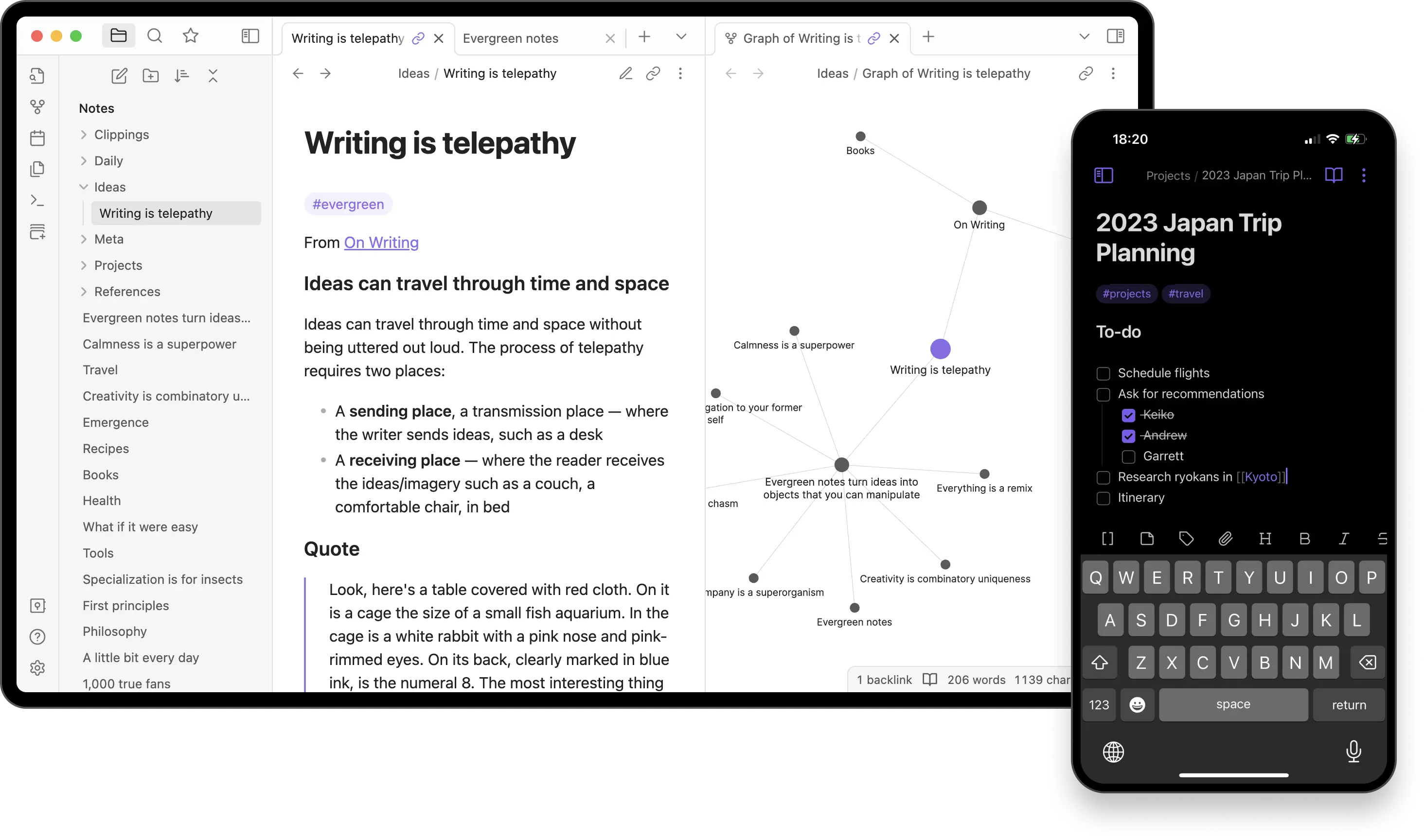
Obsidian is much more than a simple text editor; it’s an interconnected knowledge environment that boosts your ability to capture ideas, explore connections, and create meaningful content seamlessly. With its focus on interrelated thinking, Obsidian allows you to build a network of notes that weave together, creating a digital mind map that reflects the complexity of your thoughts.
How Do I Use Obsidian?
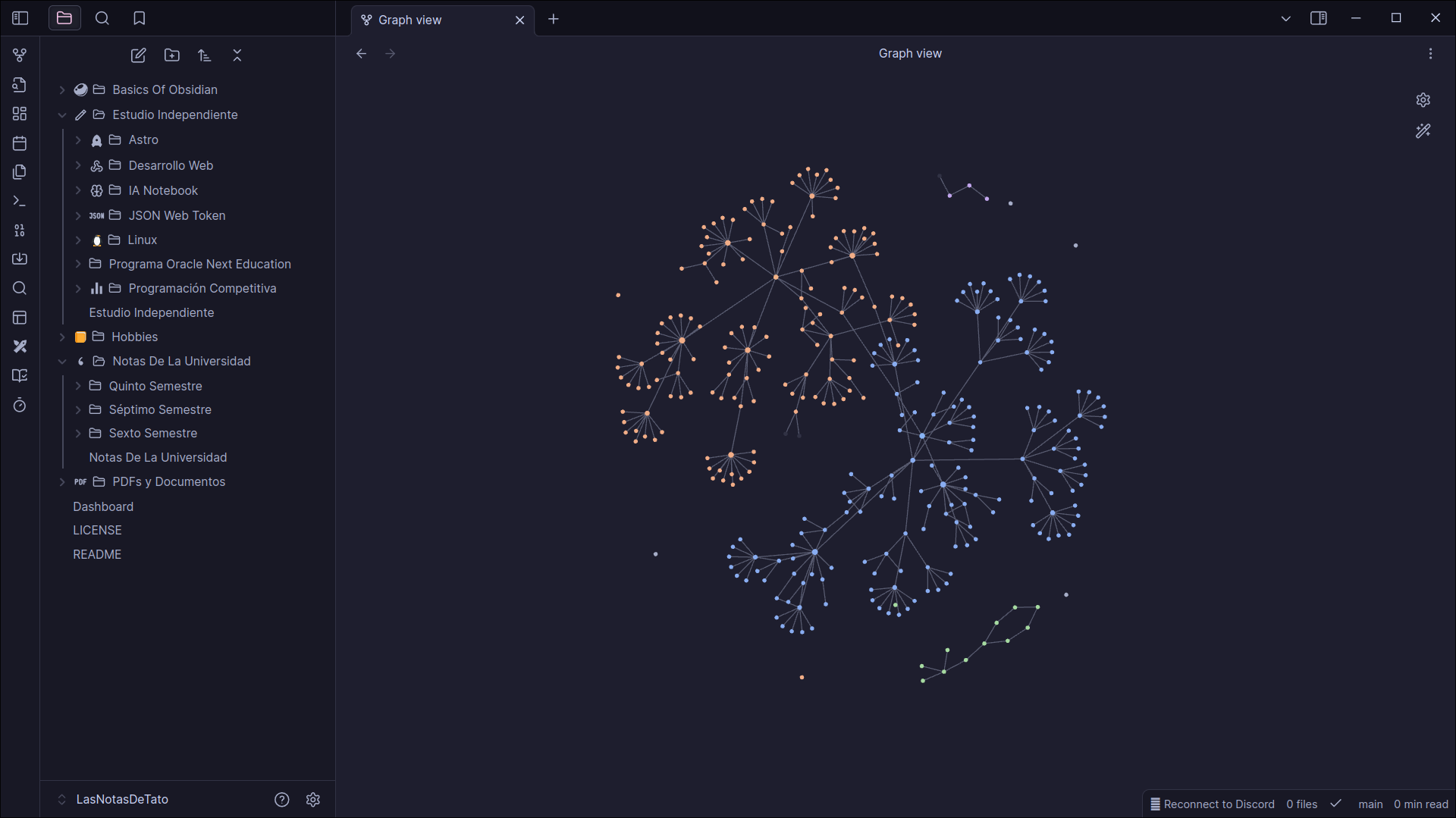
Imagine a perfect combination of a diary, a notepad, and a project manager, all wrapped in a simple and friendly interface. That’s what makes Obsidian my favorite text editor. However, what really makes this editor shine is its focus on the interconnection of ideas. With Obsidian, your thoughts and notes will never be isolated; instead, they intertwine organically, allowing you to see the relationships between them in an intuitive and powerful way.
Programming Project Organization
I use Obsidian to keep a detailed record of my programming projects. I create notes for each phase of the project, from initial brainstorming to detailed task planning and code documentation. Thanks to its ability to link notes, I can easily connect each function or module with its respective documentation.
Taking Notes for Classes and Study
During my systems engineering classes, Obsidian became an essential tool for organizing my notes. I create individual notes for each topic and link them together to build a repository of interconnected knowledge. This allows me to easily see how concepts relate to each other.
Documenting My Hobbies
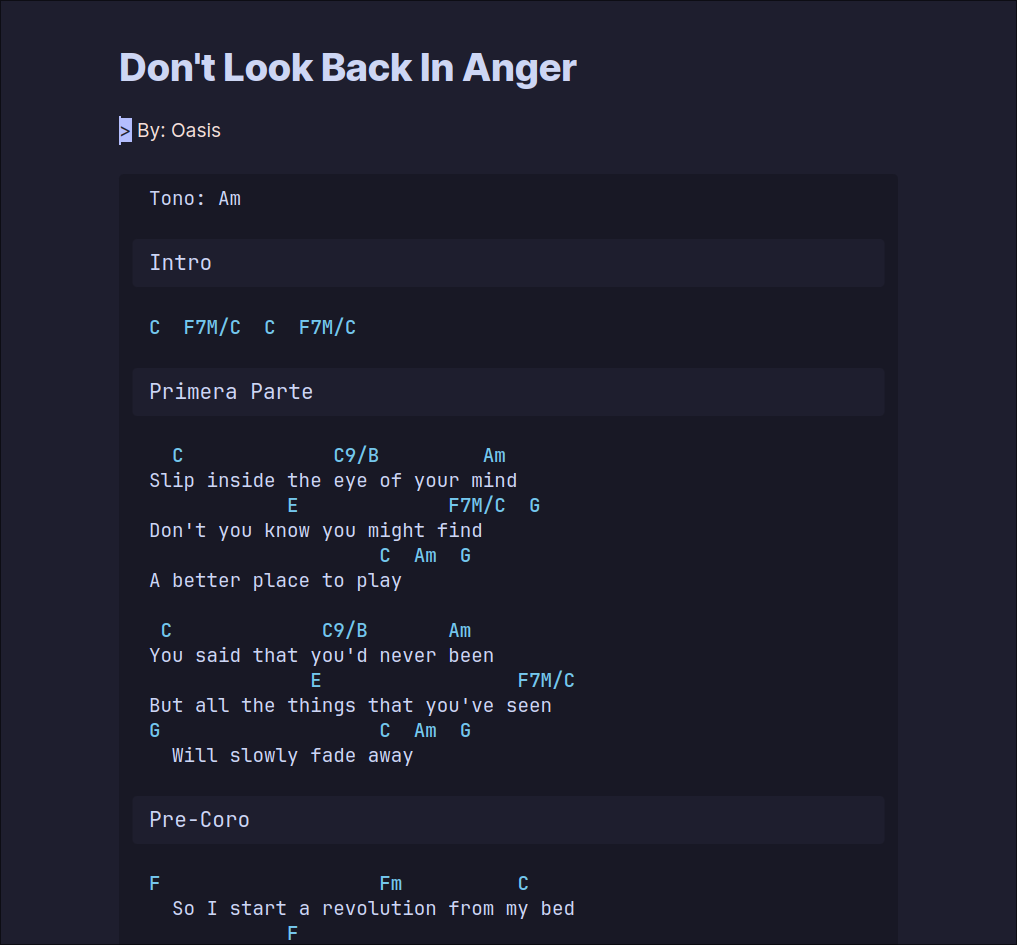
As incredible as it may seem, this application has also helped me organize my personal interests. I use the editor to learn how to play chess, creating notes with strategies, openings, and useful exercises. For the guitar, I keep all my tabs and chords in one place.
Core Features of Obsidian
Integrations and Plugins
The developer community is huge. Whenever I’m thinking about performing an integration that seems complex, there’s a plugin that makes my life easier:
- Omnisearch: Improves Obsidian’s search capabilities.
- Git: Allows integrating Obsidian with a Git repository for secure backups.
- Execute Code: Run code directly inside your notes (Python, JavaScript, etc).
- Iconize: Adds custom icons to folders and files.
- Pomodoro Timer: Helps improve productivity through focused work intervals.
Interconnection of Ideas
Obsidian allows me to link my notes in an intuitive and creative way, creating a network of thoughts that facilitates understanding. Inside this application, a graph network is created as we link note after note.
Structural Flexibility
Obsidian’s core concept is based on creating a personal Wikipedia with every note you create. You don’t have to adapt to Obsidian; it adapts to you.
Rich Text Editing
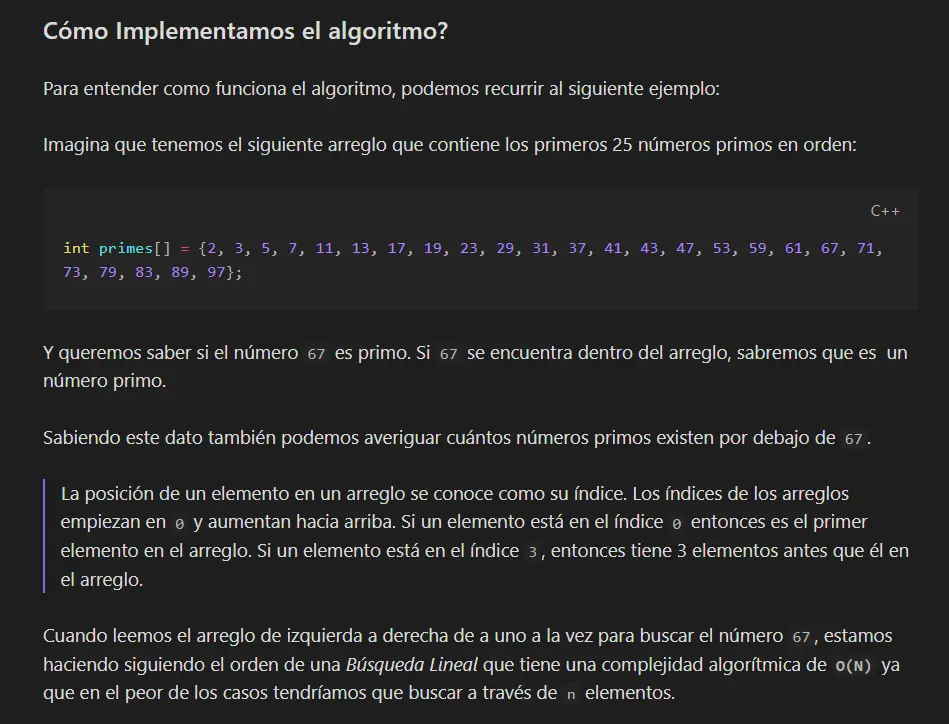
Markdown support is the key point. Markdown is like the secret language of modern writers. It’s a simple way to format your text using basic symbols.
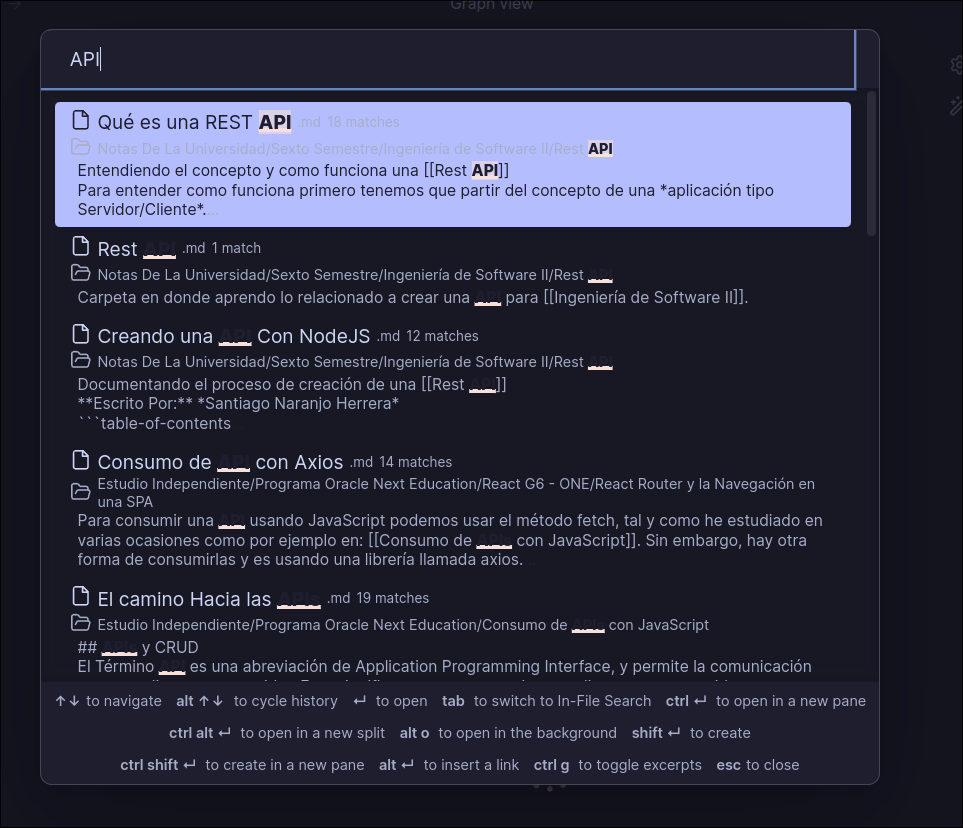
Powerful Search
Advanced search functionality lets you quickly find any note or concept within your knowledge base, even in large volumes of information.
Conclusion
Obsidian is not just a text editor; it’s a powerful tool for personal knowledge management that can transform the way you organize, connect, and develop your ideas. Its focus on interconnection, flexibility, and usability makes it an ideal choice for anyone looking to optimize their creative workflow and improve their productivity.